
You’ve probably lived some version of this: the internet is fine in the living room, decent in the kitchen, and then you walk upstairs and your phone drops to one bar. The kids complain about lag in their bedroom. Video calls from the home office freeze. So you do what everyone does, you Google “best router 2026,” spend $250 at Best Buy, plug it in, and… it’s a little better. Maybe. For a week.
Here’s the uncomfortable truth: in most homes, the router isn’t the real problem. The bigger issues are where it’s located and what your house is made of.
What’s actually killing your signal
WiFi is radio. Radio signals get weaker with distance and weaker still when they pass through stuff. Every wall, floor, appliance, and piece of ductwork between your router and your device weakens the signal a little more. Some materials take bigger bites than others:
- Drywall and wood framing: mild loss. One or two walls is fine.
- Floors: significant loss. A floor isn’t just drywall; it’s subfloor, joists, insulation, and often ductwork.
- Brick, plaster, and tile: heavy loss. Older homes around Edwardsville and Glen Carbon with plaster-and-lath walls are notorious for this.
- Metal: near-total loss. HVAC ducts, refrigerators, mirrors, and foil-backed insulation act like shields.
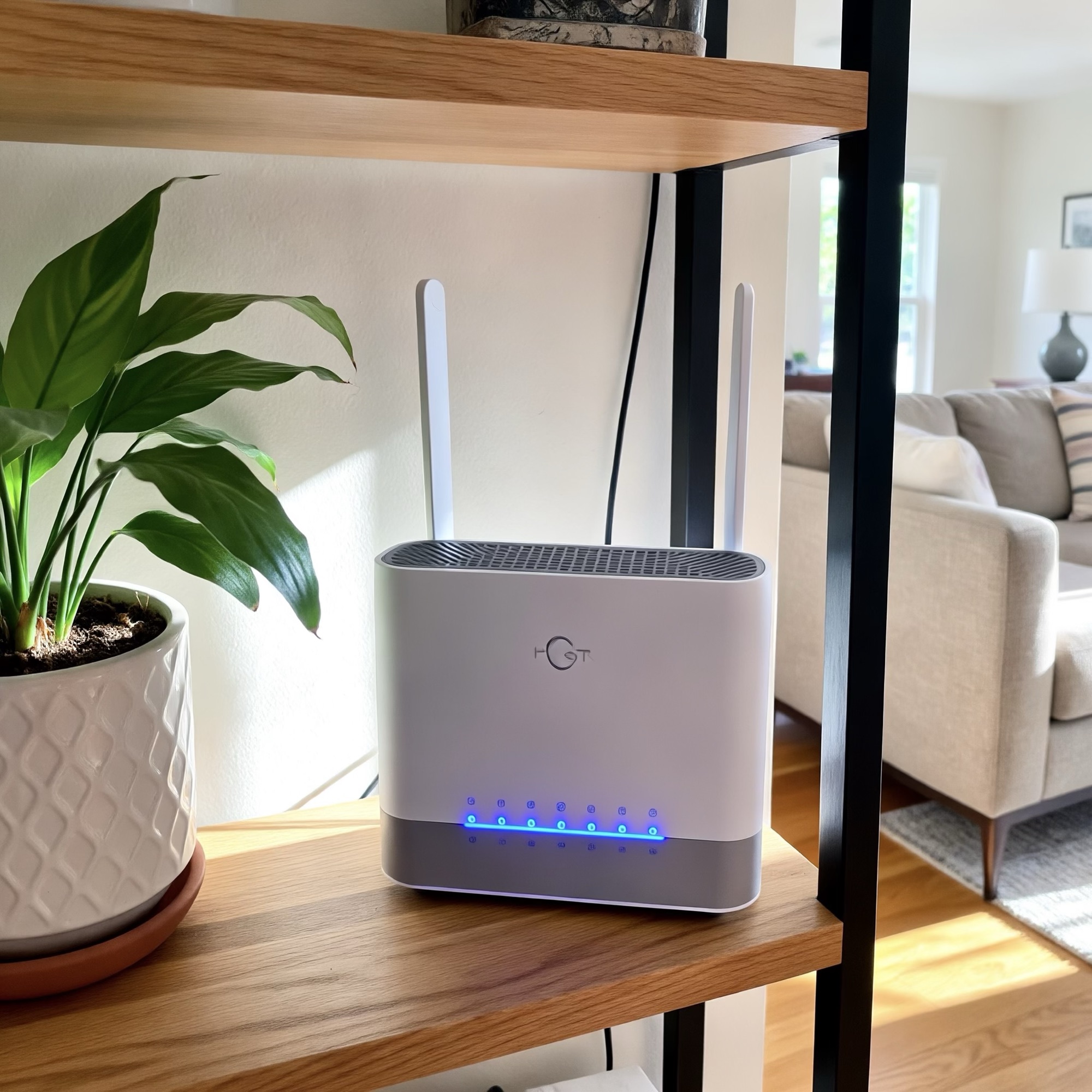
Now think about where your router lives. For most homes, it’s wherever the internet company’s technician found the nearest coax or fiber jack, which is usually a basement corner, a first-floor closet, or behind the TV. That’s the worst possible spot. Your signal starts in a corner of the house and has to punch through a floor, several walls, and probably a duct run before it reaches the upstairs bedrooms.
Buying a more expensive router and putting it in the same corner is like buying a louder megaphone and still shouting from the basement. It’s louder, but it’s still in the wrong place.
Why the “new router” fix disappoints
Modern routers are genuinely good. Modern WiFi 6, WiFi 6E, and WiFi 7 routers are incredibly capable. Under the right conditions they can deliver gigabit-class wireless speeds. The catch is that the fastest bands, 5 GHz and especially 6 GHz, don’t travel through walls and floors nearly as well as 2.4 GHz. Faster doesn’t always mean farther.
So the shiny new router often gives you blazing speed in the same room and the same dead zones everywhere else.
The same goes for most “WiFi extenders.” A cheap plug-in extender rebroadcasts a signal that’s already weak by the time it arrives, and can cut available bandwidth significantly, depending on how it’s configured. It converts a dead zone into a slow zone. That’s not nothing, but it’s not the fix you were hoping for.
What actually works
There are two real solutions, and they usually work best together:
- Put access points where the people are. Instead of one router shouting from a corner, a properly designed home network uses one or more access points positioned centrally, often ceiling- or wall-mounted upstairs, so every room has a strong, direct signal. This is how businesses, hotels, and schools do WiFi, and there’s no reason your house shouldn’t work the same way.
- Connect those access points with a wire. This is the part almost everyone skips, and it’s the part that matters most. A mesh system where the satellite units talk to each other wirelessly still depends on WiFi to move data between floors, the exact thing that was failing in the first place. When each access point is fed by an Ethernet cable run back to your router, every unit performs at full speed. The wire does the hard work through the floors and walls; the WiFi only has to cover the room it’s in. If you’ve heard the term “wired backhaul,” that’s all it means: the access points are hardwired, and it’s the difference between a mesh system that works on the box and one that works in your house. Ethernet doesn’t care about walls, insulation, or ductwork. That’s why professionals use cable whenever they can.
What this looks like in your home
A typical fix for a two-story home in this area looks something like this:
- A short walkthrough to find where signal dies, where your internet service enters the house, and where cable can realistically be run.
- One or two Ethernet runs from the router location to a central spot in the house, usually a hallway ceiling, upstairs landing, or another central location. In most homes this is done through the attic or basement with no visible cable and small, clean wall plates.
- A ceiling- or wall-mounted access point at the end of each run, tuned so your devices hand off smoothly as you move around the house.
That’s it. No more corner-shouting router, no bandwidth-halving extenders, and no “have you tried unplugging it” phone calls to your provider.
If you’re wondering which of your devices should be hardwired directly while we’re at it (short answer: TVs, gaming consoles, and desk setups), we covered that in WiFi vs. Ethernet: What Should Actually Be Hardwired in Your Home.
This isn’t new technology. It’s how offices, hospitals, hotels, schools, and stadiums have been designed for years. The difference is that most homes are still relying on a single wireless router to cover an entire house, which is a job it was never really meant to do.
The honest caveat
Sometimes a router is the problem. If yours is 7+ years old, provided free by your ISP, or stuffed in a cabinet tucked behind other electronics, then simply replacing it is a legitimate first step, and it’s the cheapest one. Try that first if you haven’t. But if you’ve already bought the new router and upstairs is still slow, the next dollar you spend should go into placement and wiring, not another box.
Live in Edwardsville, Glen Carbon, Maryville, or the surrounding Metro East?
Gateway Home Tech designs and installs hardwired home networks, including Ethernet runs from $150 per drop and full WiFi coverage installs from $150. We’ll tell you honestly whether your fix is a $0 router relocation or a proper install.