
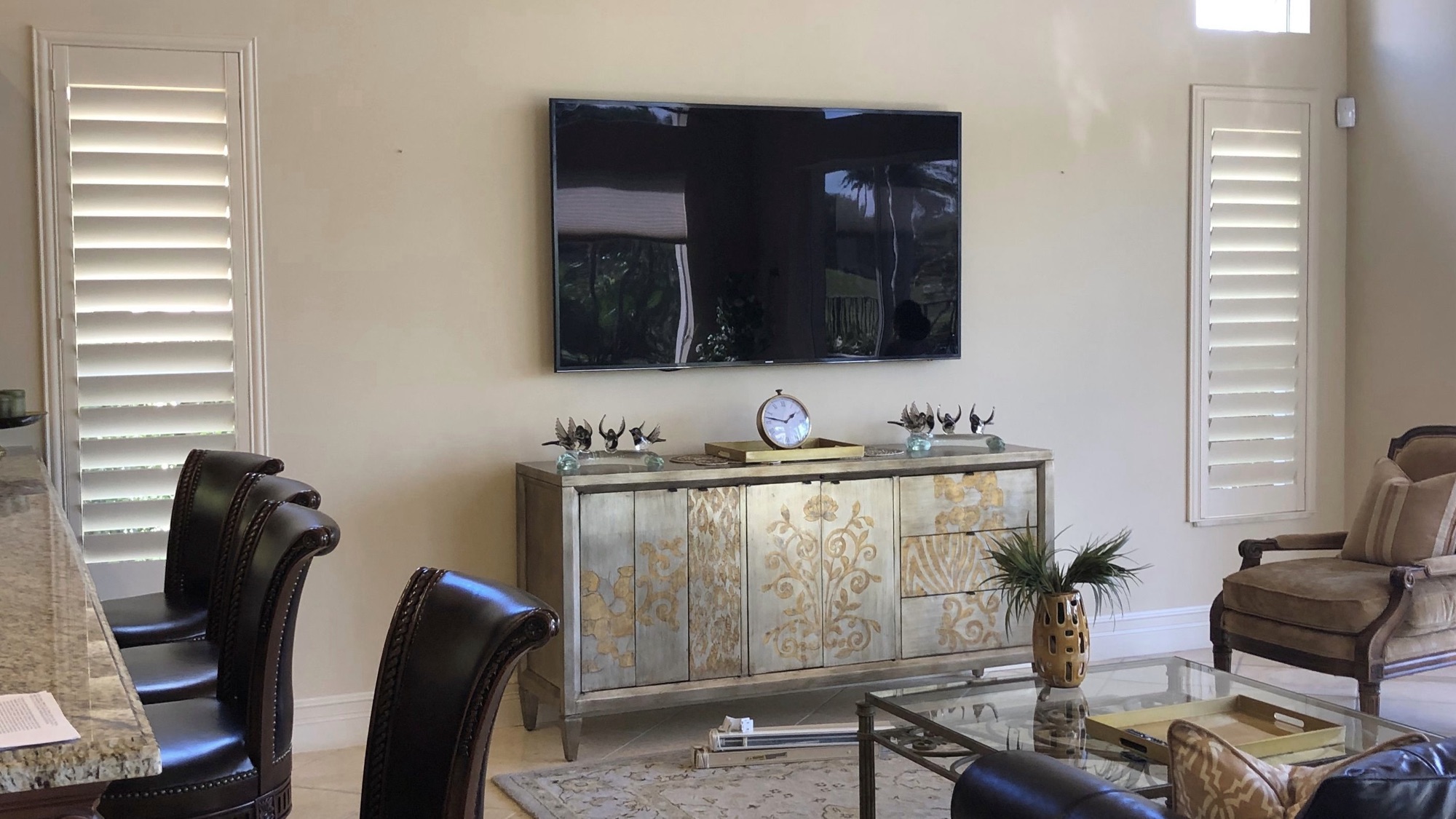
A mounted TV with a power cord and an HDMI cable dangling down the wall looks like a job that’s 90% done. Getting that last 10%, making the cables disappear, is where most DIY mounts stall out, and it’s also where a surprising number of “professional” installs quietly break the electrical code.
This article covers what’s actually inside a typical wall, what the National Electrical Code (NEC) says you can and can’t put in there, and how a clean, legal concealment is done. Even if you never touch a drywall saw yourself, knowing this makes you a much harder customer to shortcut.
First, what’s behind the drywall
A standard interior wall is two sheets of drywall over vertical studs, usually 16 inches apart, with mostly empty cavities between them. Mostly. Depending on the wall, those cavities can also contain:
- Electrical wiring feeding outlets and switches above or below
- Horizontal fire blocking, or wood blocks between studs that stop fire from spreading vertically (common in two-story homes and required in many builds)
- Plumbing supply lines and drains, especially on walls that back up to a bathroom or kitchen
- HVAC ducts, particularly on interior walls near floor registers
- Insulation on exterior walls, which matters, because exterior walls change the rules
This is why the first step of any concealment job is figuring out what wall you’re dealing with, not cutting a hole where the TV happens to look best.
The rule most people don’t know: your device’s power cords can’t go in the wall
Here’s the part that separates a code-compliant install from a fire-inspection headache: you cannot run a TV’s power cord — or any appliance cord, or an extension cord — inside a wall. The NEC prohibits using flexible cords as a substitute for the fixed wiring of a structure, which is exactly what you’re doing when you fish a power cord through drywall.
The reasons are practical, not bureaucratic. Appliance cords aren’t rated for the heat conditions inside a wall cavity, they can’t be protected against nails and screws the way in-wall cable routing is, and if one fails inside a wall, it fails where nobody can see it. Insurance adjusters know this rule too, which is worth thinking about.
So how does anyone get a mounted TV with no visible power cord? Two legal ways:
- An in-wall power relocation kit. This is the standard solution and what we install on most jobs. It’s a listed, code-compliant kit that puts a new recessed outlet behind the TV and an inlet plate down near an existing outlet, connected by proper in-wall rated wiring inside the cavity. The TV plugs in behind itself; nothing dangles. No new circuit, no panel work, the kit is designed specifically so this can be done safely and legally.
- A new outlet installed behind the TV. A licensed electrician extends a circuit and adds a recessed outlet at TV height. This is the right call in some situations (very high wattage setups, walls where a relocation kit won’t route), and we’ll tell you when it is.
What you should never accept is an installer who shrugs and stuffs the factory power cord through two holes in the drywall. It’s faster and cheaper, and it’s exactly the corner a $60 handyman quote is cutting.
Low-voltage cables have rules too
HDMI, Ethernet, and speaker wire are low-voltage, so they’re allowed in walls, but not just any version of them. Cables run inside walls should be in-wall rated (CL2 or CL3), meaning their jackets are tested for flame spread and smoke. The $9 HDMI cable that came in the box with your soundbar usually isn’t rated for this. In-wall rated cables cost a little more and exist for the same reason the power cord rule exists: what’s inside your walls should be boring and fireproof.
Good practice also keeps low-voltage cables separated from electrical wiring inside the cavity, both for safety and because parallel power runs can introduce interference on signal cables.
What a proper concealment looks like
On a typical Gateway Home Tech TV mounting install with concealment, the sequence is:
- Scan and plan. Stud finder and inspection to map studs, wiring, and anything else in the cavity. Fire blocking gets found before the cut, not after.
- Two clean openings. One behind the TV, one near the base of the wall — both sized to be fully covered by the recessed plates.
- In-wall power kit installed between the two openings, plus CL2/CL3-rated HDMI or Ethernet fished alongside it.
- Mount, connect, and hide everything. When it’s done, you see a TV on a wall. That’s it.
On a standard drywall interior wall, this adds well under an hour to a mount. Fireplace walls, brick, and exterior walls are their own conversation. We wrote about the fireplace case specifically in Mounting a TV Above a Fireplace: Heat, Height, and When to Say No.
Questions to ask any installer
Whether you hire us or anyone else, these three questions will tell you who you’re dealing with:
- “How do you handle the power cord?” The right answer names an in-wall power kit or an electrician-installed outlet. The wrong answer is “we just run it down inside the wall.”
- “Are your in-wall cables CL2 or CL3 rated?” Anyone doing this properly answers instantly.
- “What happens if you hit fire blocking?” The right answer involves notching or rerouting properly, not “that never happens.”
In the Edwardsville / Glen Carbon / Maryville area?
Gateway Home Tech does TV mounting from $125, with code-compliant in-wall concealment as an add-on on most walls. Curious what the full job costs? We published our actual numbers in What It Actually Costs to Mount a TV in the Metro East — or just request a quote with a photo of your wall.