
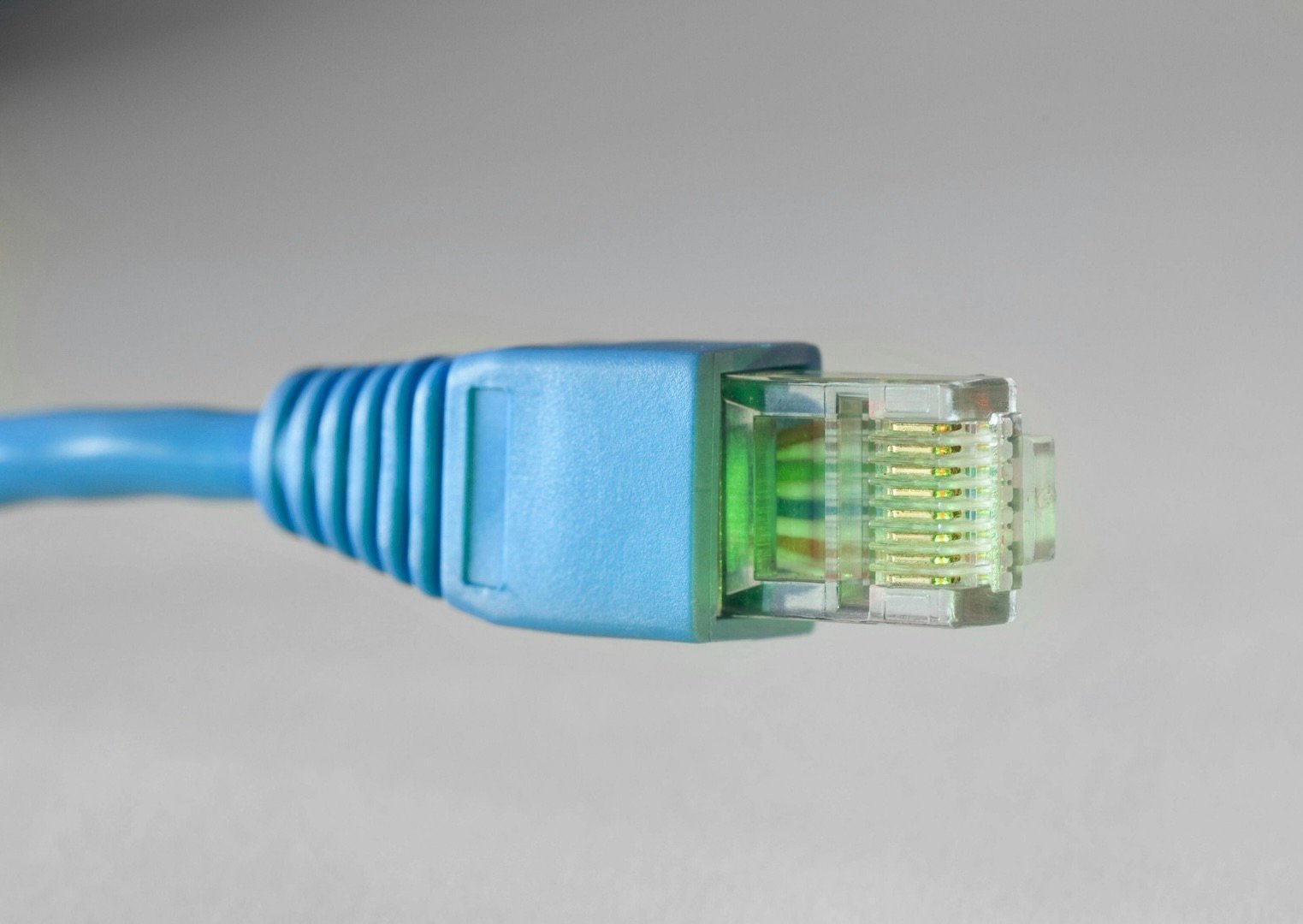
Somewhere over the last fifteen years, “wireless” became the default for everything, and for your phones and laptops, that’s exactly right. But many of the devices in your home never move. Your TV hasn’t changed walls since you mounted it. Your desktop stays on the same desk in your home office. Your gaming console hasn’t left the entertainment center in years. Yet all of them rely on the same shared wireless network as the phones in your pocket. They sit in one spot, all day, every day, pulling data over a radio connection that was designed for things that move.
The rule of thumb is simple: if it doesn’t move, wire it. Here’s why that rule exists, which devices it applies to in a typical home, and what it actually takes to get there.
Why a wire still beats radio (and always will)
WiFi has gotten fast. On paper, a modern router’s numbers look like they’ve made Ethernet obsolete. In practice, WiFi has three problems that no new standard fixes, because they’re limitations built into wireless communication itself:
- It’s shared airspace. Every wireless device in your house, plus a bit of your neighbors’, competes for the same radio spectrum. Your TV streaming 4K movies, your kid’s console downloading a patch to their game, your doorbell uploading video: all of it is politely taking turns on the air. An Ethernet cable is a private lane. Nothing else is on it.
- It’s inconsistent. WiFi performance changes as conditions around your home change. Walls, neighboring networks, interference, and even the number of devices connected all affect wireless performance. Wired connections deliver the same speed at 2 AM and 8 PM, which is why anything that streams, games, or records should prefer them.
- Latency. A wired connection usually delivers lower latency and far more consistent latency than WiFi. For web browsing you’d never notice. For gaming, video calls, and live sports streams, you absolutely do, that’s the difference between “lag spike at the worst moment” and never thinking about it.
None of this means WiFi is bad. It means WiFi is a finite resource, and every stationary device you take off of it makes the wireless better for the devices that actually need it. Hardwiring your TV doesn’t just help the TV, it clears the air for your phones and the other devices that need to roam.
The wire-it list
Walk your house with this list. These devices should be on Ethernet if at all possible:
- TVs and streaming boxes. A 4K stream is a constant, heavy load, and the TV is bolted to the wall. For many homes, this is the single most valuable Ethernet run you can add.
- Gaming consoles and gaming PCs. Latency and consistency are the whole game. Every serious player wires up.
- Home office desk. If your paycheck depends on the video call not freezing, don’t leave it to radio. One drop to the desk covers the docked laptop or desktop.
- Security camera systems. PoE (powered over Ethernet) security cameras and network video recorders (NVRs) record 24/7. Wired PoE cameras get power and data over one cable and never drop out at the exact moment you needed the footage.
- Mesh access points. If you read Why Your WiFi Is Slow Upstairs, you know this one: access points connected by wired backhaul perform at full speed; wireless-linked systems still work well in many homes, but a wired backhaul delivers the highest performance and reliability.
- Anything in the media cabinet. AV receivers, smart hubs, network storage. If it has an Ethernet port and doesn’t move, use the port.
The wireless-is-fine list
- Phones and tablets — obviously.
- Laptops that actually roam the house (the couch-to-kitchen-to-porch kind).
- Smart speakers, plugs, bulbs, thermostats — tiny amounts of data; WiFi is exactly what they’re built for.
- Battery-powered cameras and doorbells, particularly if they need to upload high-resolution video over long distances, by definition they can’t be wired for data, though it’s worth knowing their limits before you rely on them.

“But my house isn’t wired for Ethernet”
Almost no house around here is. Builders ran coax for cable TV and called it a day. The good news is that retrofitting Ethernet is far less invasive than people imagine. Many homeowners assume installing Ethernet means opening drywall throughout the house. In reality, experienced installers usually route cable through attics, basements, crawl spaces, and existing wall cavities. Every home is different, but in many cases the finished result is simply a clean wall plate with a keystone jack for a Ethernet cable where you need it to connect to your devices.
In a typical Edwardsville-area two-story with a basement, most rooms are reachable with no visible cable anywhere.
A common starting point looks like this — four drops:
- Living room TV (the workhorse)
- Home office
- Primary gaming setup or kids’ TV
- A central upstairs point for a wired access point — which fixes whole-house WiFi at the same time
That combination takes the heaviest loads off your wireless and gives the wireless itself a strong wired foundation. It’s the highest-value networking work most homes can have done, and it’s a one-time job. The cable in your wall will outlive every router you’ll ever own.
The bottom line
Unlike WiFi hardware, which you’ll probably replace every five to eight years, properly installed Ethernet cabling can serve your home for decades.
The simplest networking advice you’ll ever hear is also the best: WiFi for things that move, Ethernet for things that don’t. Every stationary device you hardwire gets a faster, more reliable connection while leaving more wireless capacity for the devices that actually need it. It’s one of the few upgrades that makes both halves of your network better at once.
Ready to see what wiring your home would take?
Gateway Home Tech installs clean, professionally tested Ethernet runs throughout Edwardsville, Glen Carbon, Maryville, and the surrounding Metro East. Clean wall plates, tested and labeled, no visible cable in most homes. Pair it with a whole-home WiFi install and cross “the internet is being weird” off your family’s vocabulary. Get a free quote today